
Best Plugins for Autodesk 3ds Max for Architects
Discover the best 3ds Max plugins for architects to improve modeling, rendering, workflow speed, & architectural visualization quality.

If you are working in Autodesk 3ds Max for architectural projects, plugins can make your workflow much easier. The software is strong on its own, but the right plugins help save time and improve output quality.
In architecture, both speed and realism matter a lot. Clients expect quick changes and realistic visuals. Plugins help by reducing manual work like placing objects, creating patterns, or setting up lighting and materials.
They also make it easier to handle complex scenes without spending too much time on small repetitive tasks. This means more focus can go on design instead of technical work.
But using too many plugins is not always better. The goal is to use only the ones that actually help your workflow and improve efficiency.
In this blog, I will share a few of the best plugins for 3ds Max that are useful for architects and can make your daily work faster and more efficient.
Top 8 Plugins for 3DS Max for ArchViz
RailClone
What it does – Creates parametric objects like railings, facades, and repeating structures.
Example – Building facade elements, fences, modular designs.
Works with – 3ds Max, V-Ray, Corona.
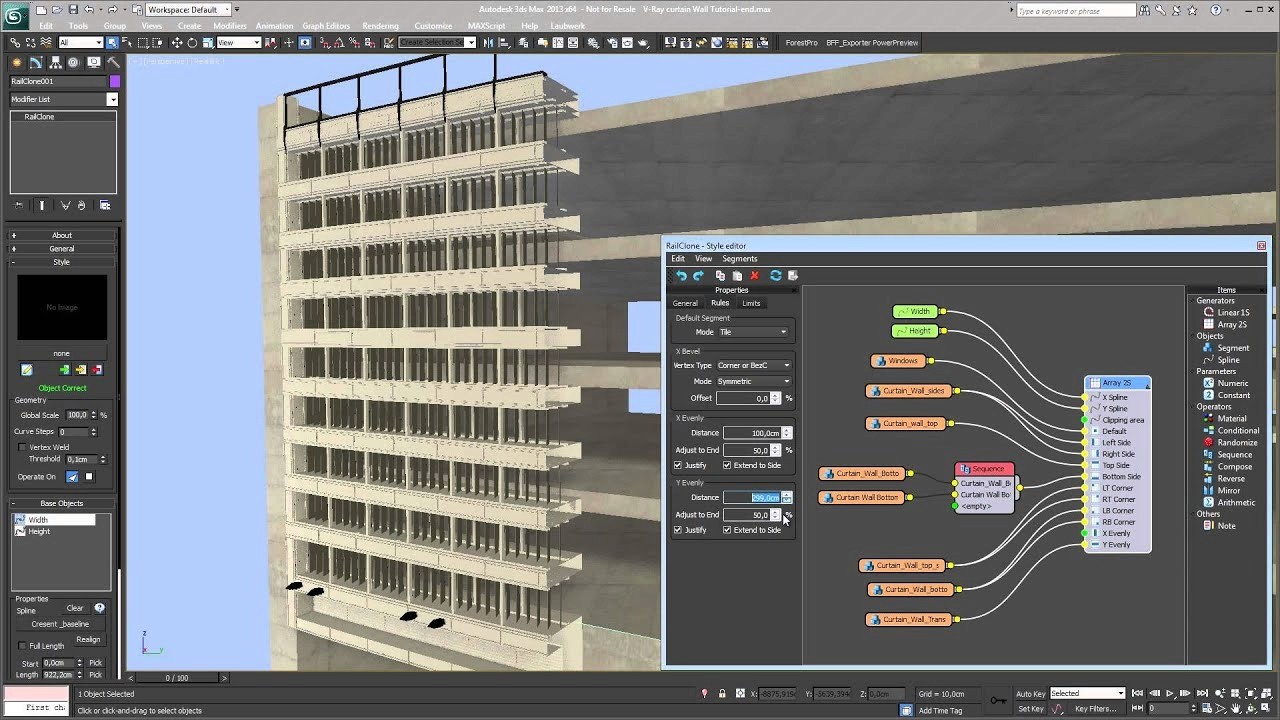
Image credit: YouTube - ITOOSOFT
Forest Pack
What it does – Scatters large numbers of objects like trees, grass, and props.
Example – Landscapes, exterior scenes with vegetation.
Works with – 3ds Max, V-Ray, Corona.
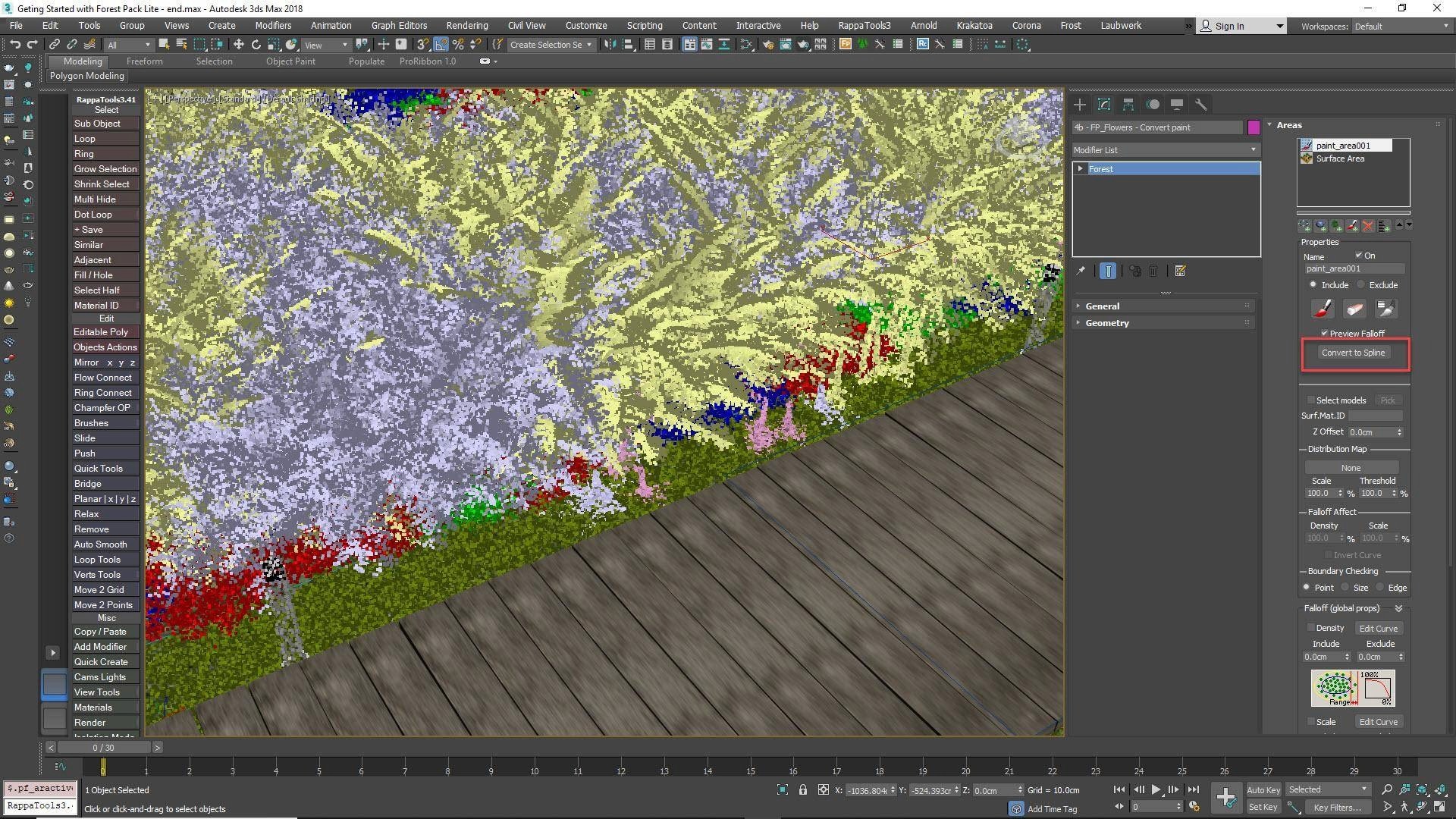
Image credit: ITOOSOFT
FloorGenerator
What it does – Generates procedural floor patterns like wood, tiles, and panels.
Example – Interior flooring for houses, offices, and commercial spaces.
Works with – 3ds Max, V-Ray, Corona.
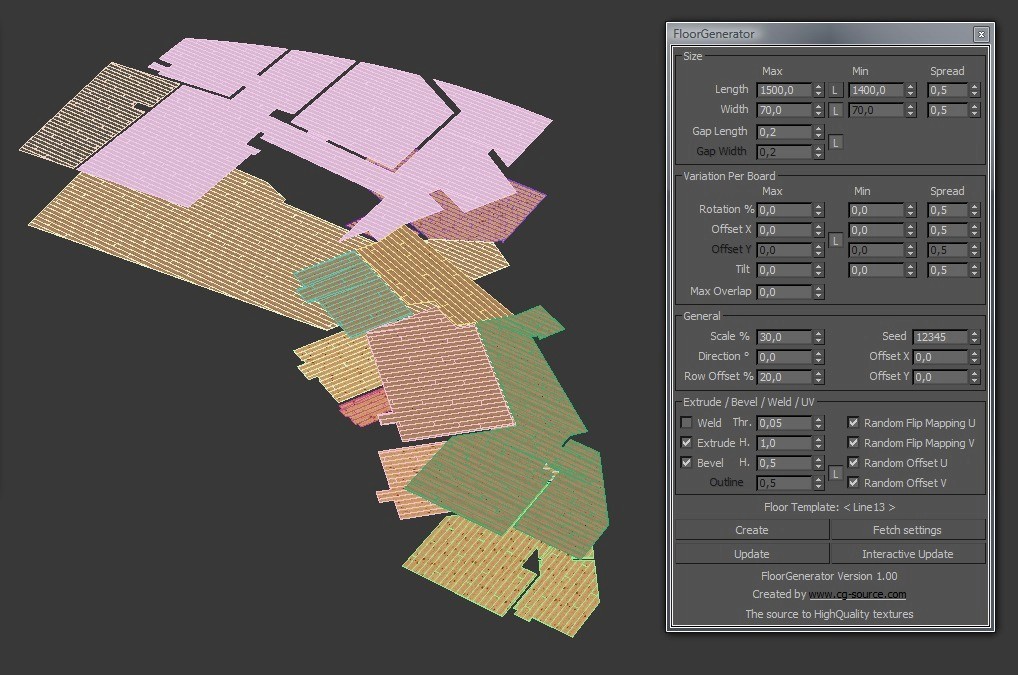
Image credit: Ronen Bekerman
Chaos Phoenix
What it does – Simulates fire, smoke, liquids, and dynamic effects.
Example – Water features, fountains, fire effects in scenes.
Works with – 3ds Max, V-Ray.
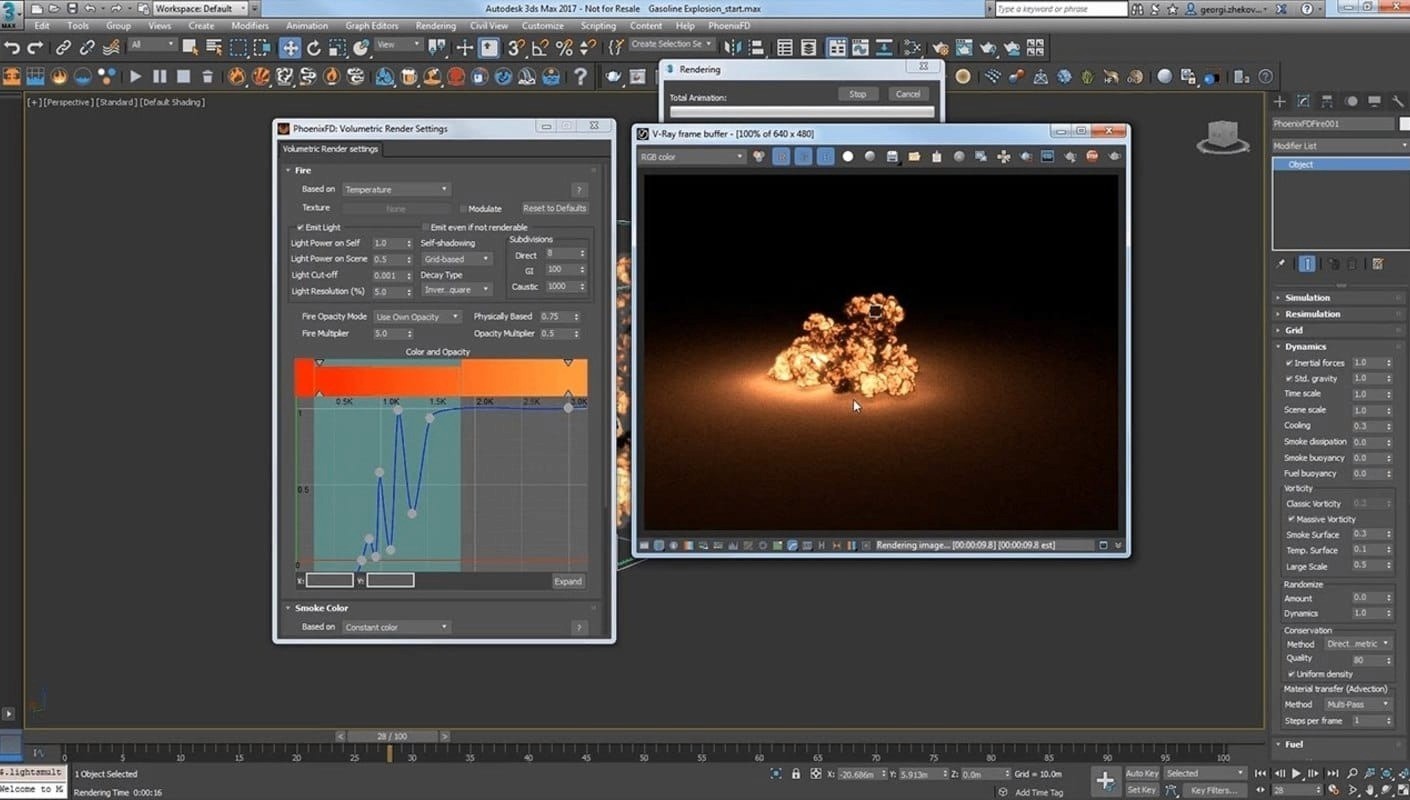
Image credit: Chaos
Anima
What it does – Adds animated 3D people and crowd simulations.
Example – Walkthroughs with moving people in architectural scenes.
Works with – 3ds Max, V-Ray, Corona.
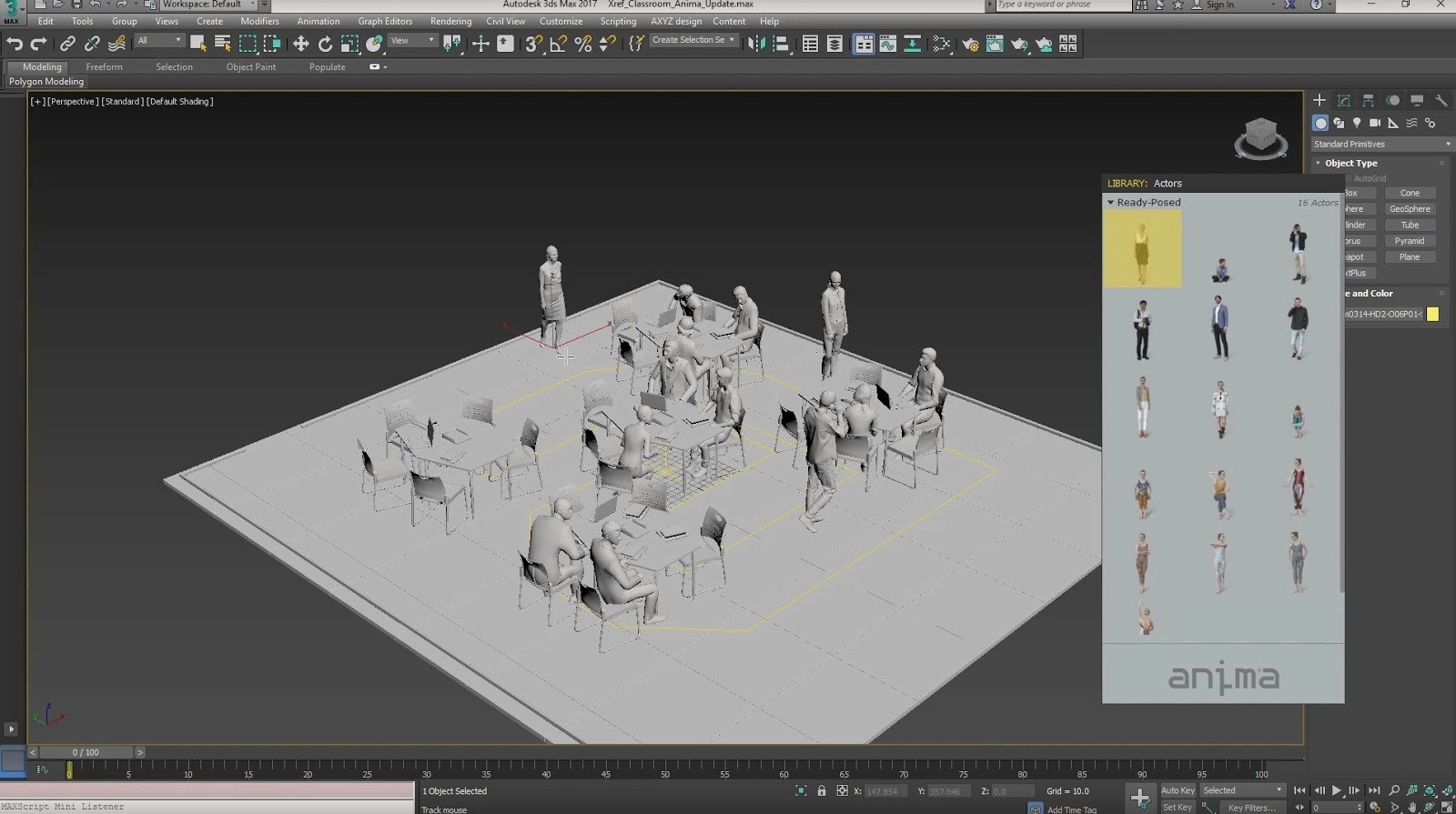
Image credit: plugins.cgrecord.net
MultiTexture
What it does – Randomizes textures across objects for more variation.
Example – Different textures on walls, floors, or repeated objects.
Works with – 3ds Max, V-Ray, Corona.
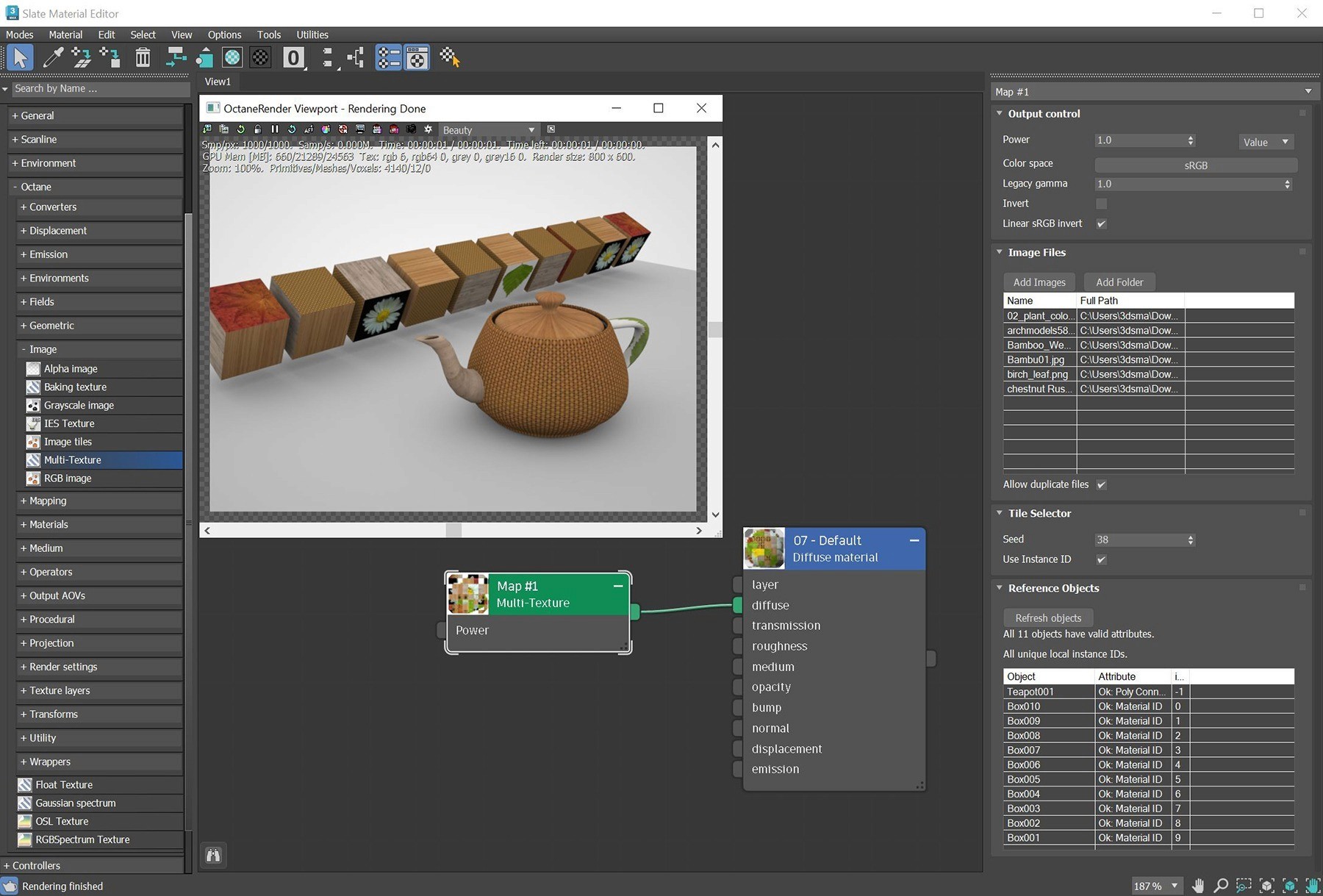
Image credit: OOTY
GrowFX
What it does – Creates procedural plants, trees, and organic shapes.
Example – Custom trees and vegetation for landscapes.
Works with – 3ds Max, V-Ray, Corona.
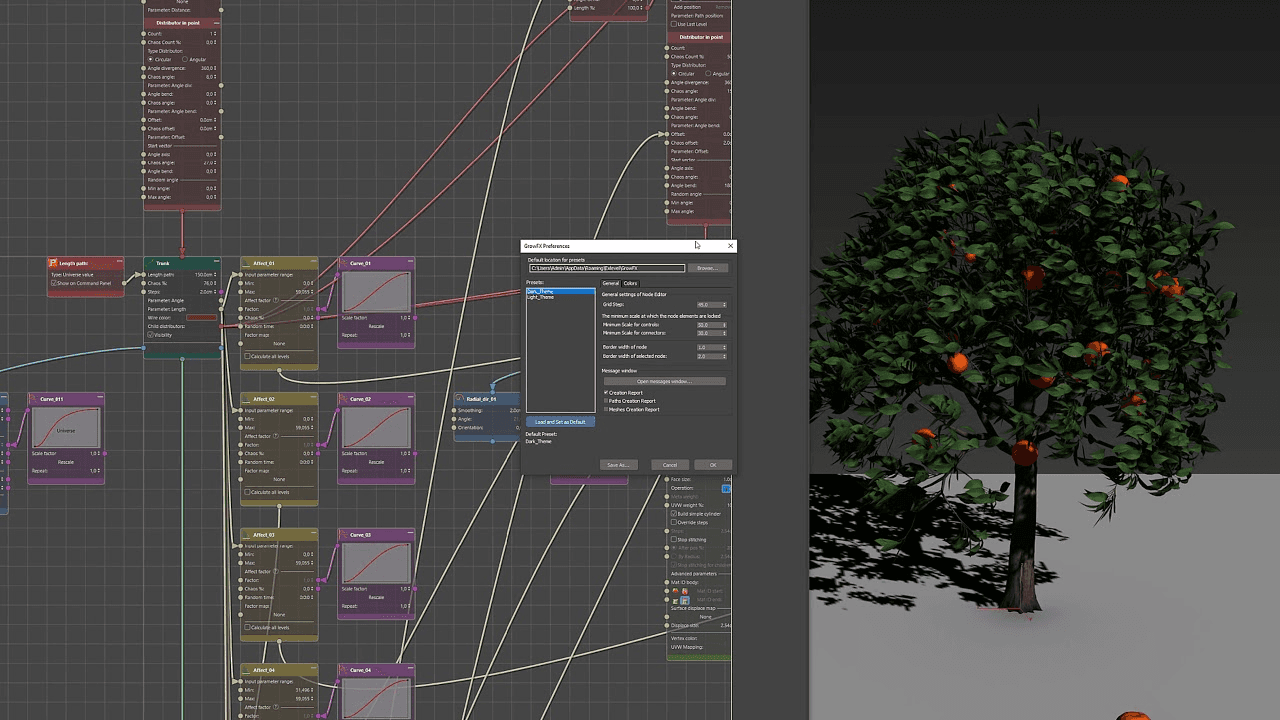
Image credit: Exlevel
Laubwerk
What it does – Provides ready-to-use realistic plant models.
Example – Adding detailed trees and plants to exterior scenes.
Works with – 3ds Max, V-Ray, Corona.
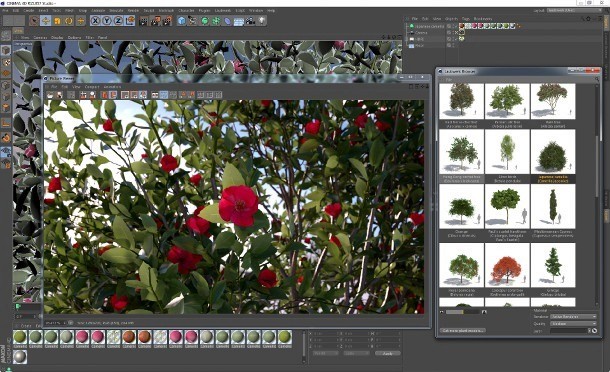
Image Credit: CG Channel
Why Should Architects Use Plugins?
Save time by automating repetitive tasks like modeling, scattering, and texturing.
Create more realistic renders with better lighting, materials, and assets.
Handle large and complex scenes more efficiently.
Improve workflow speed and meet tight project deadlines.
Reduce manual work and focus more on design and creativity.
Easily generate variations for client revisions.
Extend the capabilities of Autodesk 3ds Max beyond its default tools.
Achieve professional-quality results with less effort.
What I Recommend for 3DS Max Plugin Stack for Architects?
A simple and effective setup most architects can rely on:
Core Stack (Most Recommended)
Rendering – V-Ray or Corona Renderer
Scattering – Forest Pack
Parametric Modeling – RailClone
Flooring – FloorGenerator
Texture Variation – MultiTexture
This setup covers 90% of architectural work (interior + exterior).
For Better Realism (Add-ons)
Vegetation – Laubwerk or GrowFX
People Animation – Anima
Use these when you want more life in your scenes.
For Advanced Effects (Optional)
Simulation – Chaos Phoenix
Only needed for special shots like water, fire, or smoke.
“Simple Advice - Start with the core stack first. Add other plugins only when your project actually needs them. Too many plugins can slow down your workflow instead of improving it.”
Conclusion
Using the right plugins can make a big difference in how fast and efficiently architectural projects are completed in Autodesk 3ds Max. A smart plugin stack helps improve quality while keeping the workflow simple and manageable. Instead of adding too many tools, focus on the ones that actually support your daily work.
If rendering time is still slowing things down, then services like Flux Render Farm can help by speeding up your final outputs without adding complexity. You can get early access to Flux Render and see how it fits into your workflow.

Frequently Asked Questions
Will using too many plugins slow down my system or affect performance?
Yes, too many heavy plugins can slow your viewport and renders, so use only what you need.
Which plugin is best for creating realistic landscapes and vegetation?
Forest Pack is best for large scenes, while GrowFX or Laubwerk helps with detailed plants.
Are paid plugins worth it, or can I manage with free alternatives?
Paid plugins usually save time and give better results, making them worth it for professional work.
How do I know if a plugin will work with my current 3ds Max version and setup?
Check the plugin’s official requirements and compatibility with your 3ds Max version and render engine before installing.