8 Best 3ds Max Plugins That Save Hours of Work
Best 3ds Max plugins that save hours of work with faster modeling, rendering, texturing, and animation workflows for 3D artists.

Creating high quality 3D scenes in Autodesk 3ds Max can take countless hours without the right tools. From complex architectural visualization projects to animation and VFX workflows, plugins help artists automate repetitive tasks, improve rendering quality, and work much faster.
Whether you are an architect, interior designer, game artist, or visualization studio, the right plugin can dramatically improve your workflow and productivity.
In this guide, we will explore the 10 best 3ds Max plugins that can save hours of work and help you create better results faster.
Why Plugins Matter in 3DS Max?
While 3ds Max already includes powerful built in tools, plugins extend its capabilities even further. They help artists:
Speed up modeling workflows
Create realistic materials and environments
Improve rendering quality
Automate repetitive tasks
Handle large architectural scenes more efficiently
Add advanced simulations and effects
For many professionals, plugins are no longer optional. They are an essential part of a modern 3D workflow.
1. Forest Pack
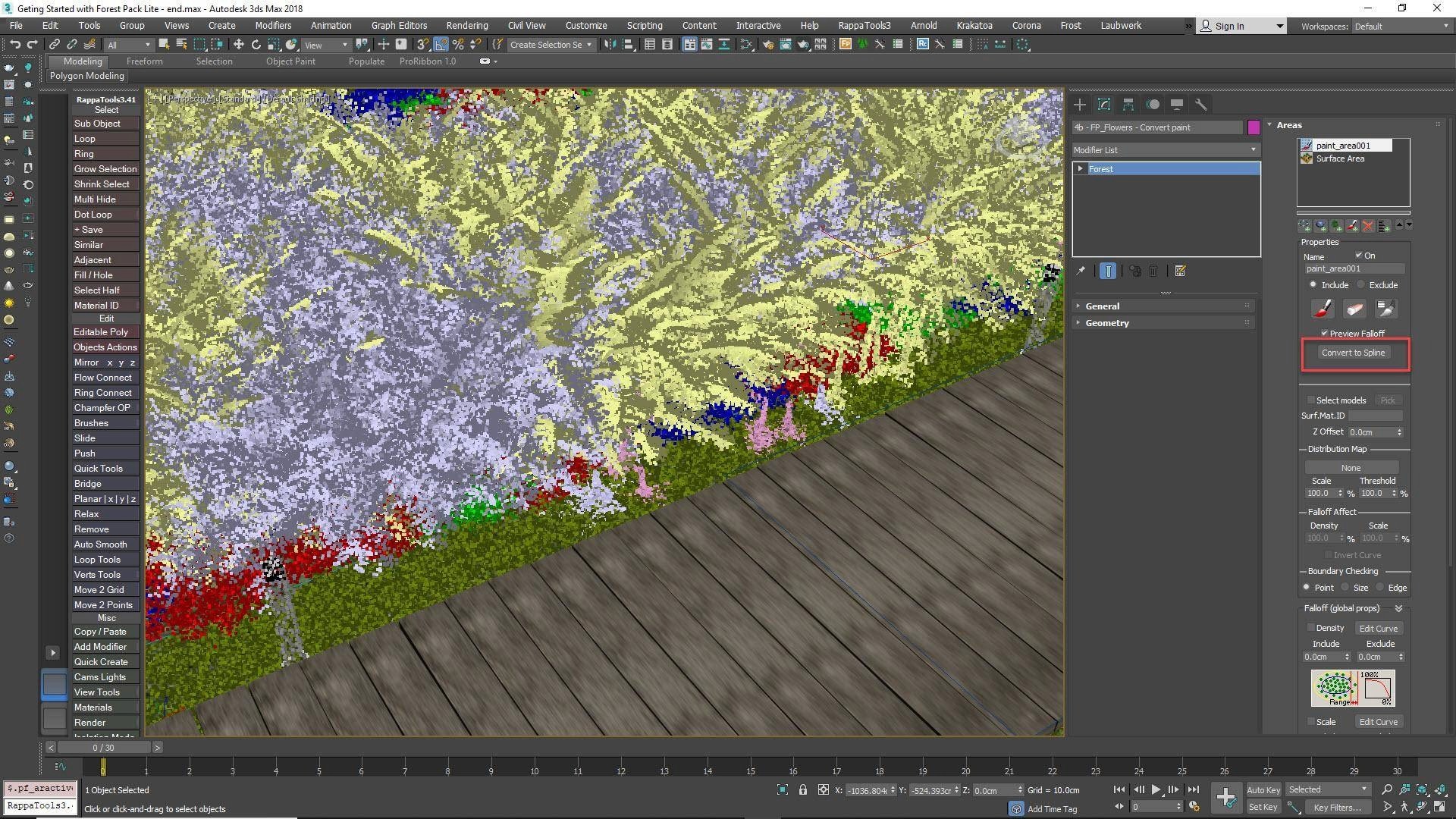
Forest Pack is one of the most popular plugins for architectural visualization.
It allows artists to scatter thousands of objects such as trees, grass, rocks, furniture, and vegetation across massive scenes while keeping projects optimized and manageable.
Key Features of Forest Pack
Fast object scattering
Realistic vegetation placement
Camera clipping optimization
Library support for assets
Best For
Architectural visualization and landscape design.
2. RailClone
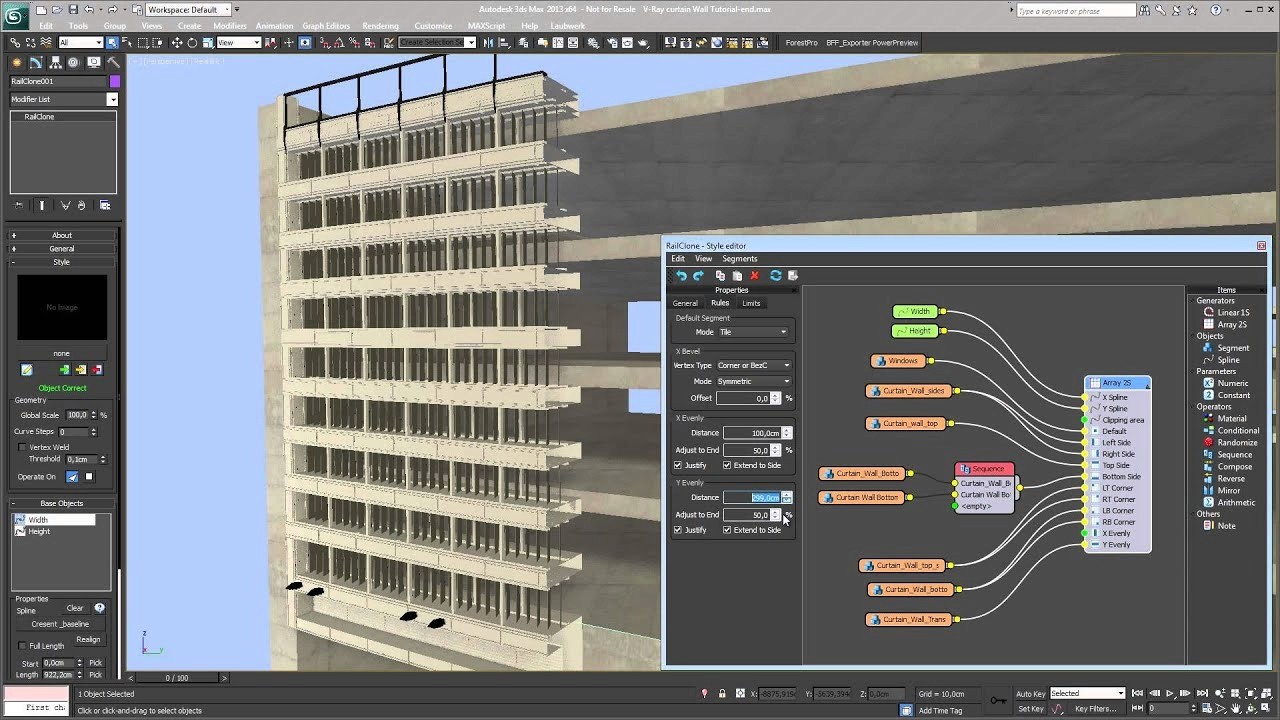
RailClone is a procedural modeling plugin widely used in architecture and product visualization.
It helps create repetitive structures such as railings, fences, roads, panels, tiles, and facades automatically.
Key Features of RailClone
Parametric modeling workflow
Easy editing of repetitive assets
Powerful spline based generation
Time saving automation
Best For
Architectural and modular modeling workflows.
3. TyFlow
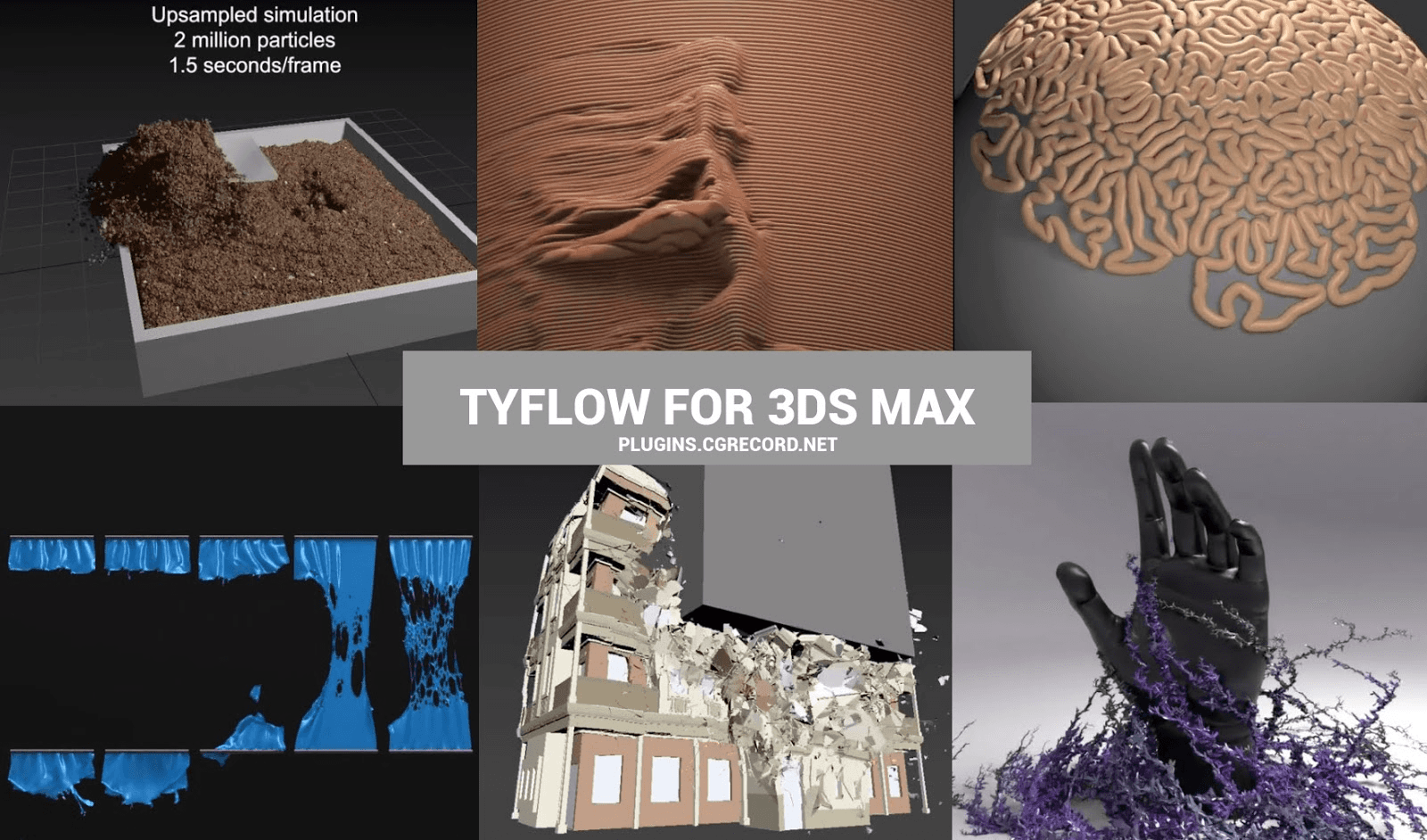
tyFlow is an advanced particle and simulation plugin that has become extremely popular among VFX artists.
It can create destruction effects, particle systems, cloth simulations, crowds, and procedural animations.
Key Features of TyFlow
Advanced particle systems
Destruction simulations
Cloth and physics support
GPU accelerated workflows
Best For
Visual effects and procedural animation.
4. Phoenix FD
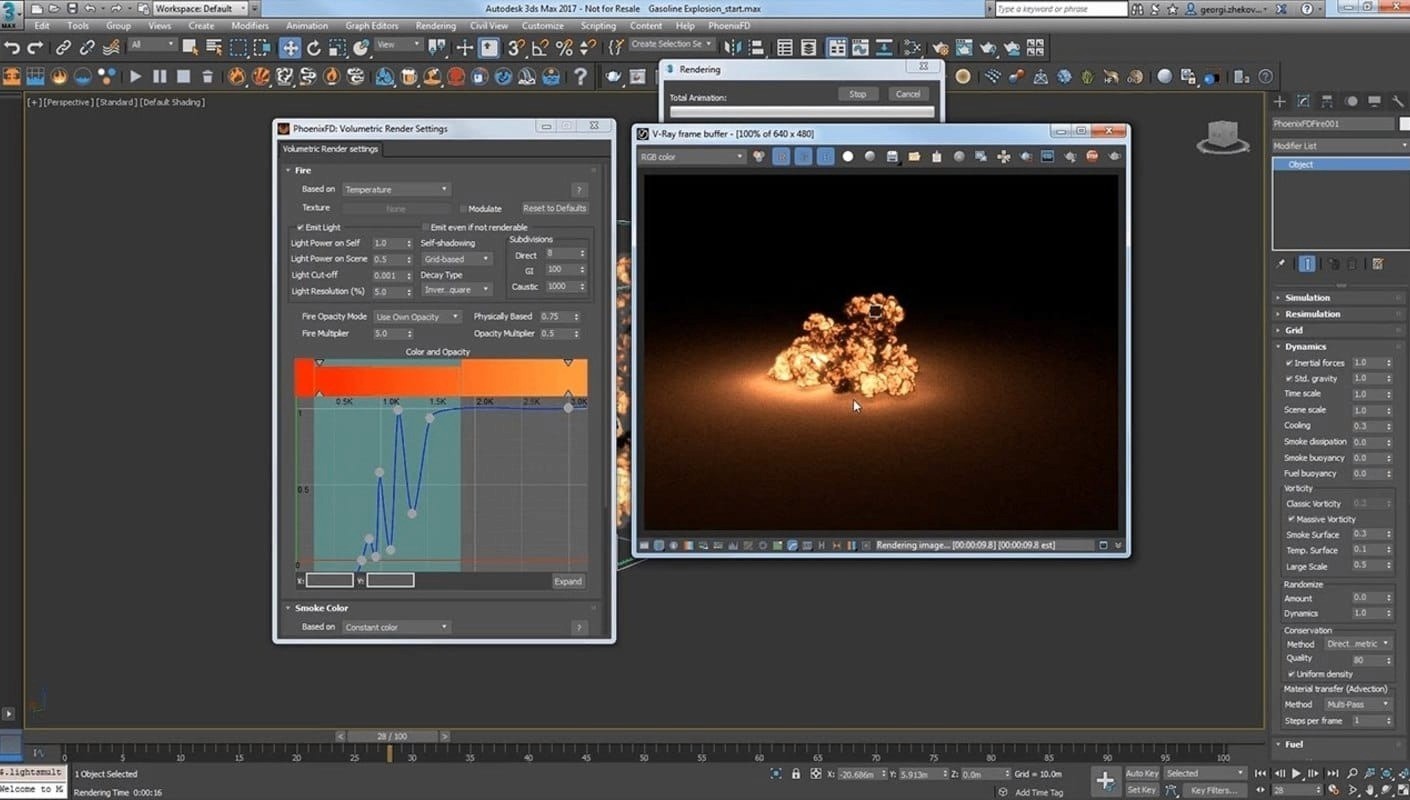
Chaos Phoenix helps artists create realistic fire, smoke, explosions, oceans, and liquid simulations.
It integrates seamlessly with 3ds Max and V-Ray.
Key Features of Phoenix FD
Realistic fluid simulations
Smoke and fire effects
Ocean and liquid generation
Fast preview simulations
Best For
VFX and cinematic rendering projects.
5. FloorGenerator
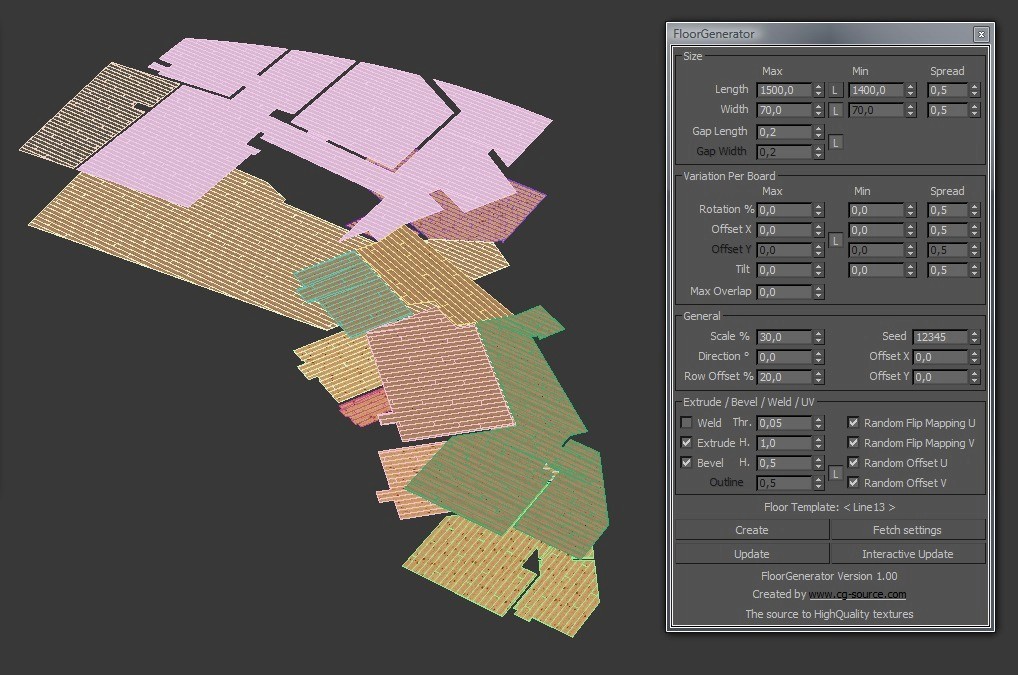
FloorGenerator is a lightweight but incredibly useful plugin for creating realistic wooden floors, tiles, and patterns.
Instead of manually modeling floor planks, artists can generate them automatically within seconds.
Key Features of FloorGenerator
Procedural floor creation
Randomized patterns
Easy texture mapping
Fast setup process
Best For
Interior visualization projects.
6. MultiTexture
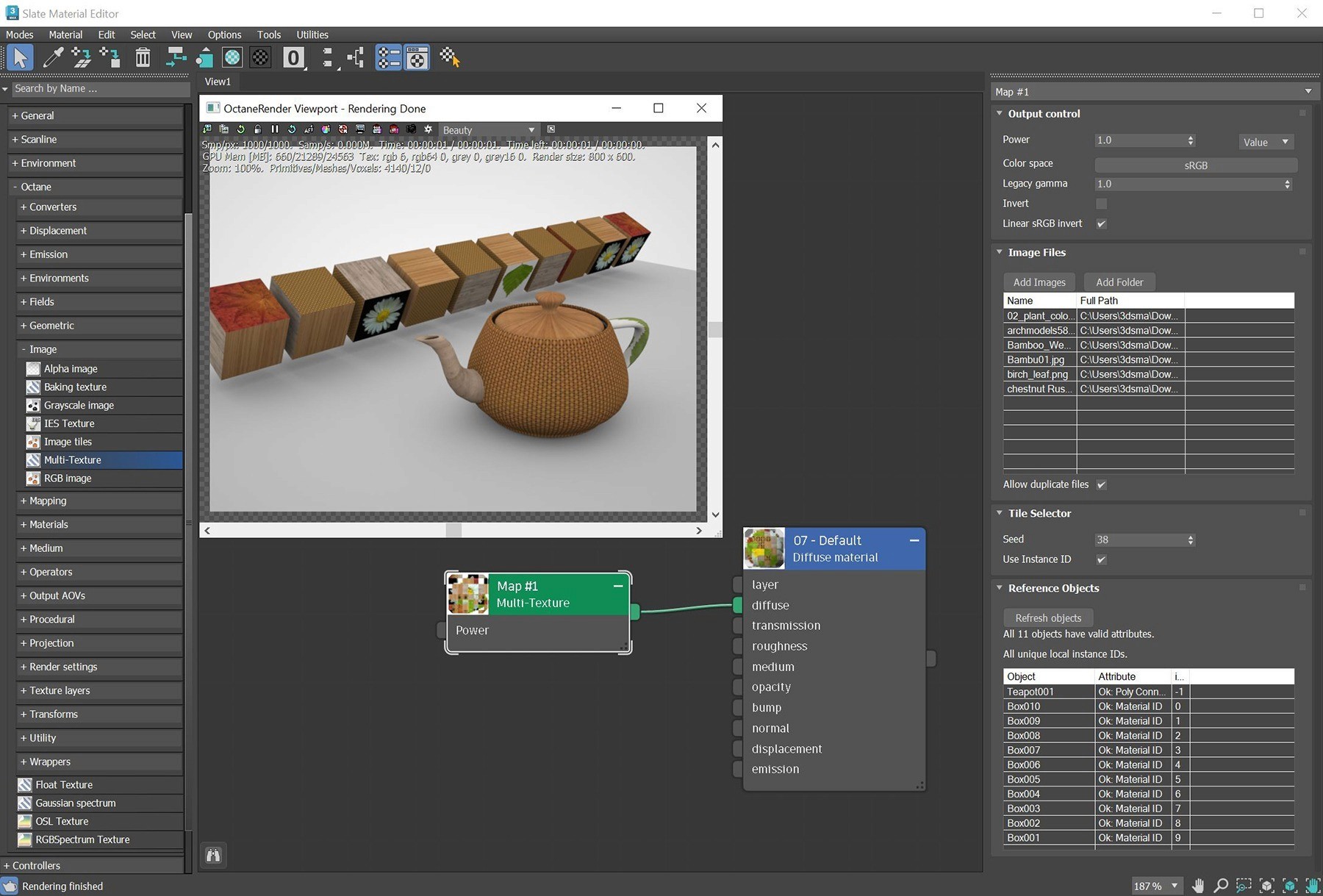
MultiTexture solves one of the most common problems in 3D rendering: repetitive textures.
It allows artists to apply multiple textures randomly across objects to create more natural looking surfaces.
Key Features of MultiTexture
Texture randomization
Variation control
Supports multiple materials
Reduces repetitive patterns
Best For
Architectural visualization and environment design.
7. Quad Chamfer
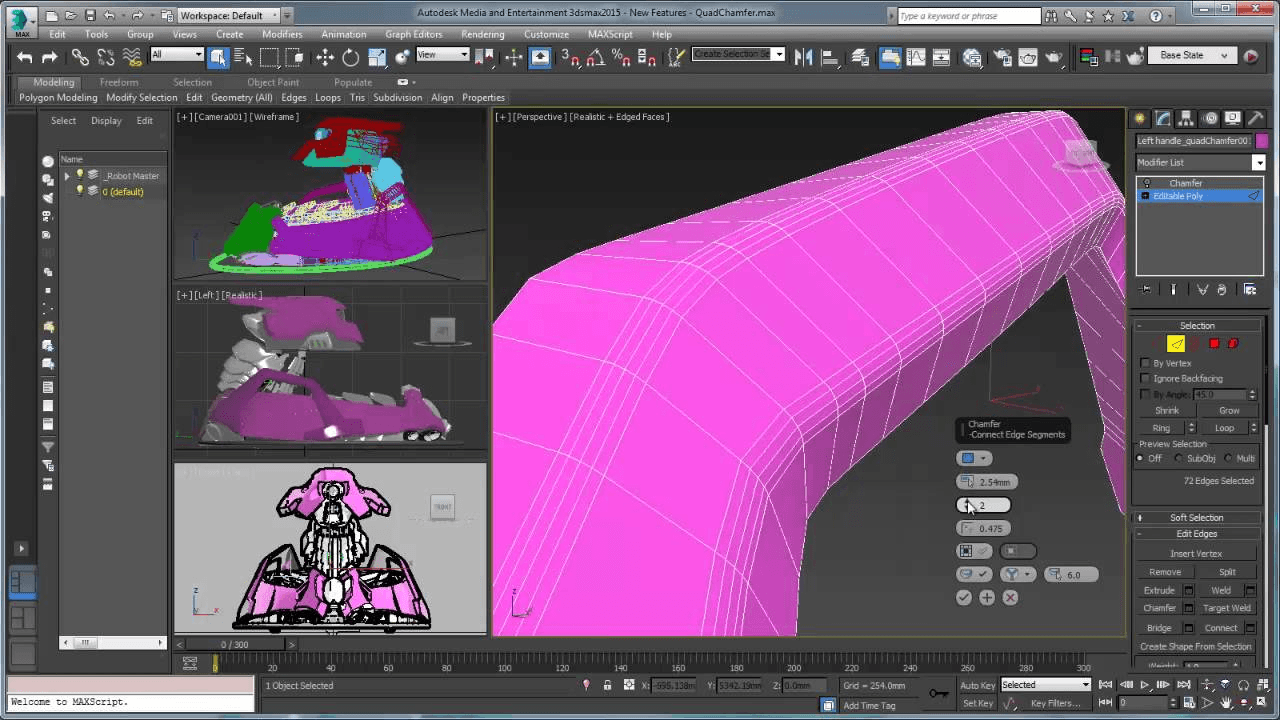
Quad Chamfer is a favorite among hard surface modelers.
It creates cleaner and smoother bevels while maintaining better topology compared to traditional chamfer tools.
Key Features of Quad Chamfer
Cleaner topology
Better edge smoothing
Fast hard surface workflow
Improved mesh quality
Best For
Product visualization and hard surface modeling.
8. BerconMaps
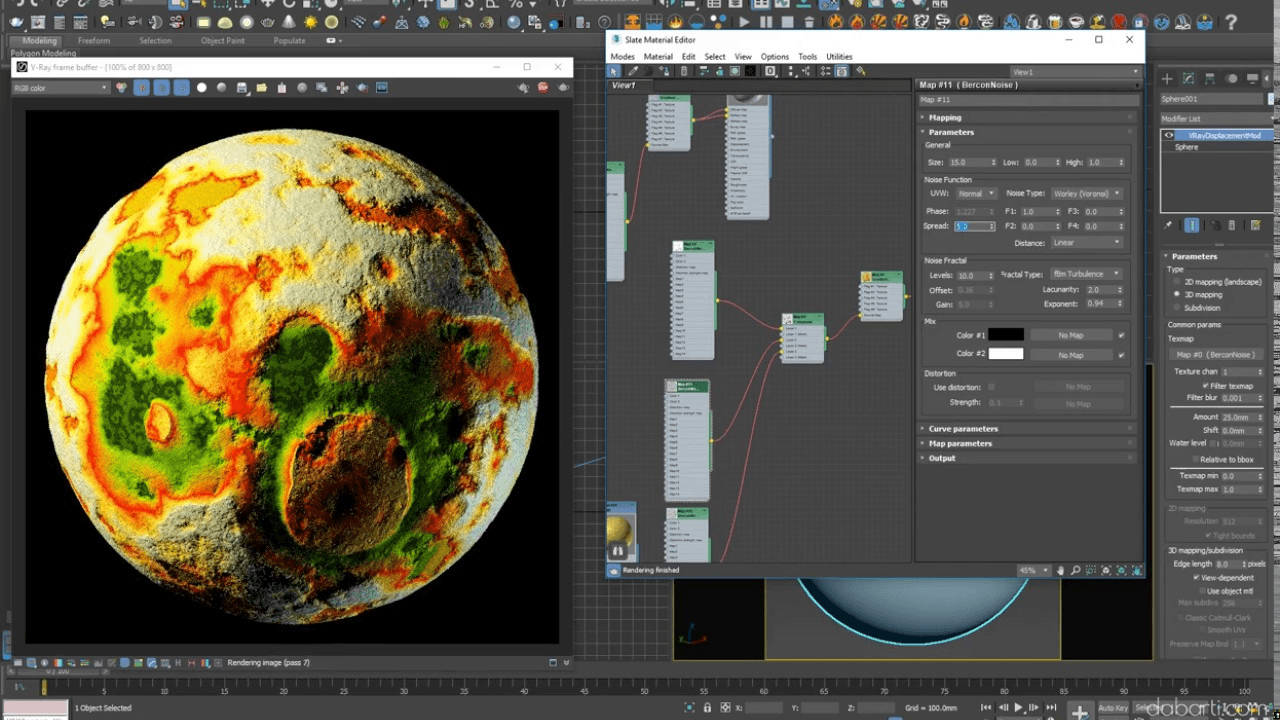
BerconMaps is a procedural texture plugin that helps generate realistic materials without relying entirely on image textures.
It is widely used for creating dirt, noise, gradients, and organic material effects.
Key Features of BerconMaps
Procedural texture generation
Lightweight workflow
Realistic material effects
Highly customizable maps
Best For
Material creation and shading workflows.
How to Choose the Right 3DS Max Plugin?
Choosing the right plugin depends on your workflow and project requirements.
Consider These Factors:
Your rendering engine
Project type
System performance
Budget
Learning curve
Compatibility with existing tools
For example:
Architects often prefer Forest Pack, RailClone, and Corona Renderer.
VFX artists may prioritize TyFlow and Phoenix FD.
Product designers benefit from Quad Chamfer and V-Ray.
Free vs Paid 3DS Max Plugins
Some plugins are free while others require paid licenses.
Free Plugins
Lower cost
Great for beginners
Limited advanced features
Paid Plugins
Better support and updates
Advanced tools and optimization
Industry standard workflows
Investing in the right paid plugin can often save far more time and money in the long run.
Final Thoughts
The right 3ds Max plugins can completely transform your workflow by reducing repetitive work, improving rendering quality, and speeding up production.
Whether you work in architectural visualization, animation, VFX, or product rendering, tools like Forest Pack, V-Ray, Corona Renderer, and TyFlow can help you create professional results much faster.
For even better efficiency, many artists also combine these plugins with cloud rendering platforms like Flux Render to handle heavy scenes, reduce local GPU workload, and speed up final render delivery.
If you regularly work on large scenes or complex renderings, adding these plugins to your pipeline can save countless hours and improve overall project efficiency.

Frequently Asked Questions
Which is the best rendering plugin for 3ds Max?
The most popular rendering plugins for 3ds Max are V-Ray and Corona Renderer. V-Ray is known for advanced control and photorealism, while Corona Renderer is preferred for its simpler and artist friendly workflow.
How do you install plugins in 3ds Max?
Most 3ds Max plugins come with an installer. Simply download the plugin from the official website, run the installer, select your 3ds Max version, and restart the software. Some plugins may require manually copying files into the plugins folder inside the 3ds Max installation directory.
Are 3ds Max plugins worth buying?
Yes. Premium plugins can save hours of manual work, improve rendering quality, and speed up production workflows. For professional artists and studios, the time saved usually outweighs the plugin cost.
Which 3ds Max plugin is best for architectural visualization?
For architectural visualization, artists commonly use Forest Pack, RailClone, and Corona Renderer because they help create realistic environments and speed up scene creation.
Do plugins slow down 3ds Max?
Some heavy plugins can increase scene complexity and memory usage, especially in large projects. However, well optimized plugins usually improve workflow efficiency and save overall production time.
Can beginners use 3ds Max plugins?
Yes. Many modern plugins are designed with beginner friendly interfaces and tutorials. Tools like FloorGenerator and MultiTexture are especially easy to learn and can quickly improve workflow quality.